eSignatures via Docusign

Verified by CertifID. Signed with Docusign.

Complete closings faster with integrated eSignatures: all the security of CertifID,  the best of what you love from Docusign, one seamless workflow.
Get started
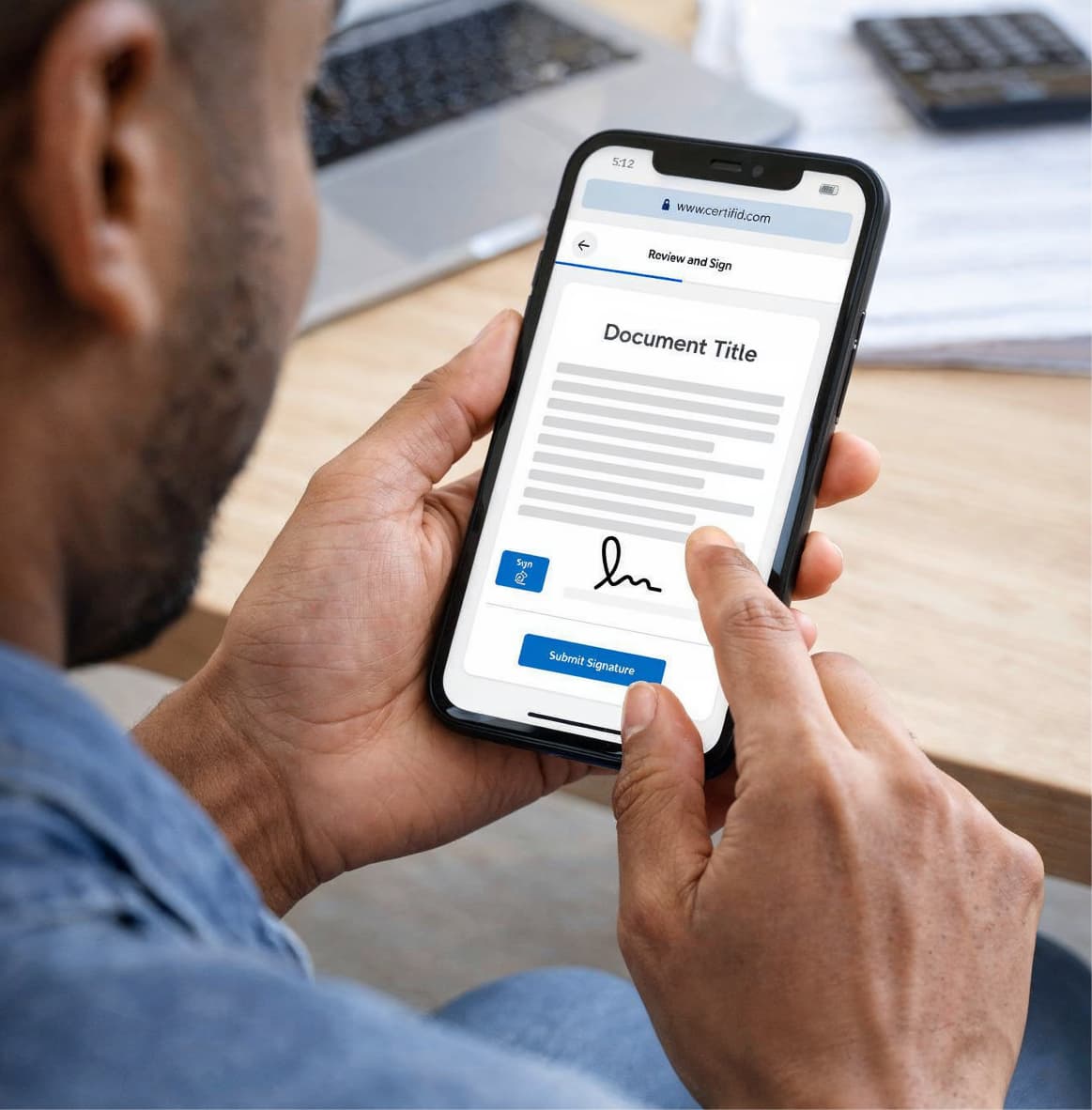
Man holding a smartphone displaying a digital document with the heading Document Title and a visible signature field as he taps the Submit Signature button. The screen shows a review and sign page with a typed signature and sign button, highlighting the ease of electronically signing documents from a mobile device in a modern office setting.

Secure signatures, seamless workflow, single platform

A digital-style clock surrounded by glowing green dots, symbolizing time-saving through automated wire instruction verification.

Sign and verify in one click


Send signature requests in seconds using CertifID's embedded Docusign experience—unlimited requests with no per-envelope costs.

A bright green shield with a white checkmark in the center, encircled by digital orbit lines, representing risk reduction through insured verification.

Every signature is fraud-protected

Extend CertifID's proven fraud protection technology and identity verification capabilities to document signing—at no additional cost
A 3D-style cylinder made of green glowing rings on a dark blue background, symbolizing data-driven success through high verification accuracy.

Workflows that keep deals moving

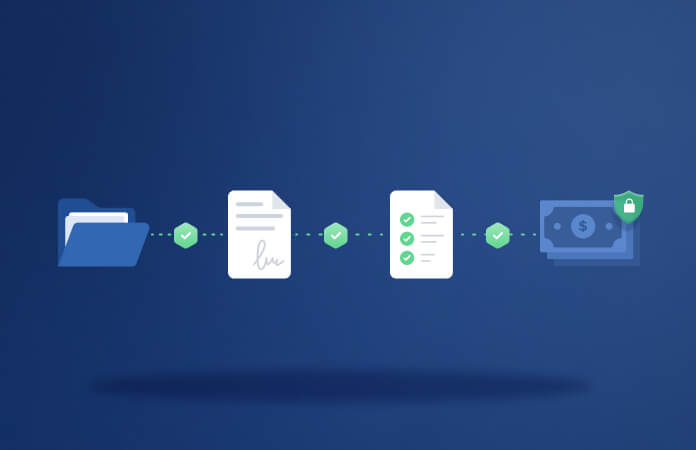
Send buyer info sheets, disclosures, and authorizations directly from your file view. Track everything in one dashboard—no platform hopping.


Wilson Pruitt Logo

Now with CertifID, the way that we're able to send out an engagement letter, it's really elegant in the simplicity. We're able to open the file within CertifID, validate the identity, send the information request right through the platform using the eSign feature... And then continue all the way out throughout the closing to validate the wiring instructions without having to toggle back and forth between systems to see which piece of that process has been completed yet.

Headshot of Tiffany Webber

Tiffany Webber

Owner, Thomas & Webber, PLLC

Send, sign, and secure—all from one platform

Stop jumping between platforms to get deals closed. Request signatures and verify wire instructions in the same workflow—with CertifID's fraud protection built into every step. Your clients sign securely, you track completion in real-time, and everyone moves to closing with confidence.
Request a demo
Payoff Dashboard verify process
Illustration of a smartphone displaying a green checkmark, with a hand tapping the screen, representing secure mobile verification.

Send files instantly

Create new signature requests or select templates. Add recipients directly from your file.

Circular graphic showing a 30-second countdown timer, symbolizing time-sensitive authentication like two-factor codes

Match security to transaction size

Basic security for routine documents. Enhanced security—with KYC and identity verification—for sensitive forms. No upcharge for either.

Illustration of a digital report dashboard with the header "CertifID," indicating a user interface for managing or viewing data.

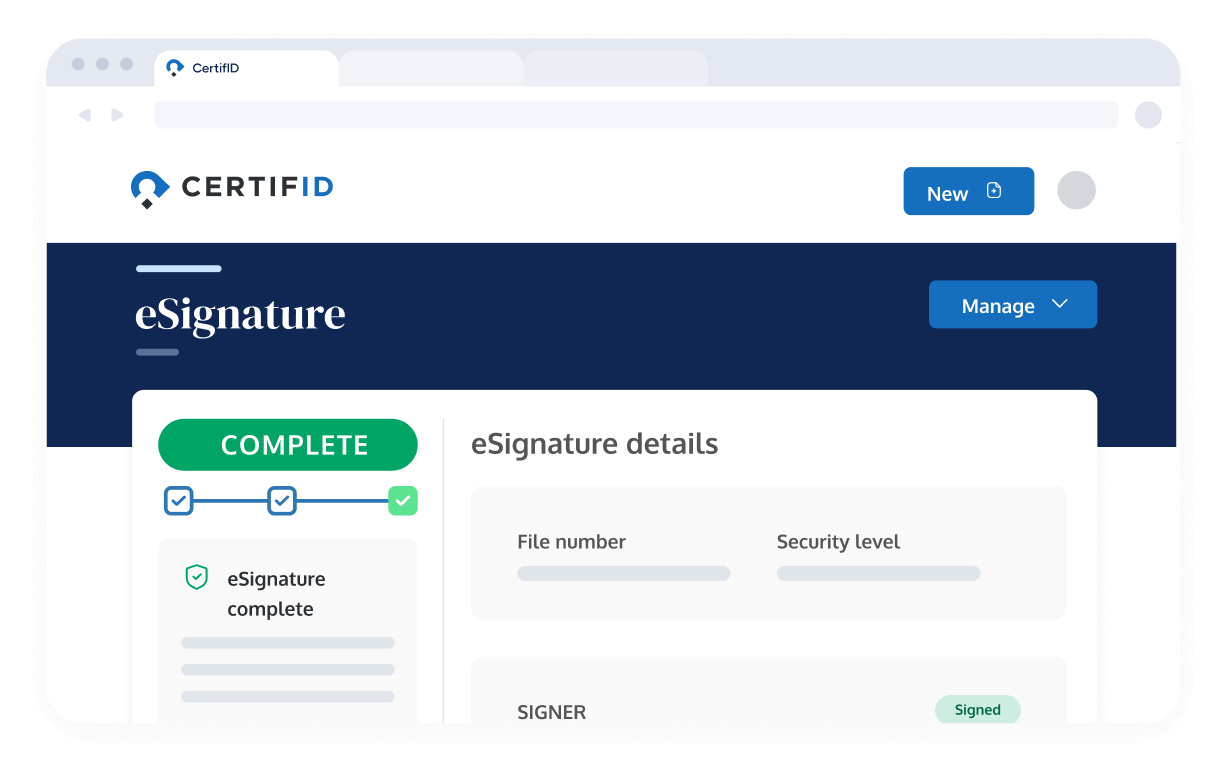
Track every signer in real-time

Your clients access and complete signature requests in a single, mobile-friendly experience. No separate accounts needed.

Puzzle pieces featuring the CertifID logo and a government-style bank building icon, representing secure integration between identity verification and financial institutions.

Custom template builder

Build reusable templates for buyer info sheets, disclosures, and authorizations. Send standardized requests in just a few clicks.

Frequently Asked Questions

Do I need a separate Docusign account or login?

Not at all. You'll access everything through your existing CertifID login. We've provisioned a dedicated Docusign account for you behind the scenes, so you get the full Docusign signing experience without managing another login or subscription. This account is completely independent from any personal or company Docusign accounts you might already have.

Can I send signature requests to multiple people at once?

Yes. You can add multiple signers to a single document and control the signing order (sequential or all at once). You can also designate certain people as recipients-only if they need visibility but don't need to sign.

What file types can I send for signature?

Most common formats are supported, including PDF, Word, Excel, PowerPoint, PNG, JPEG, and more. Other common file types will be automatically converted into PDF while maintaining the original formatting.